
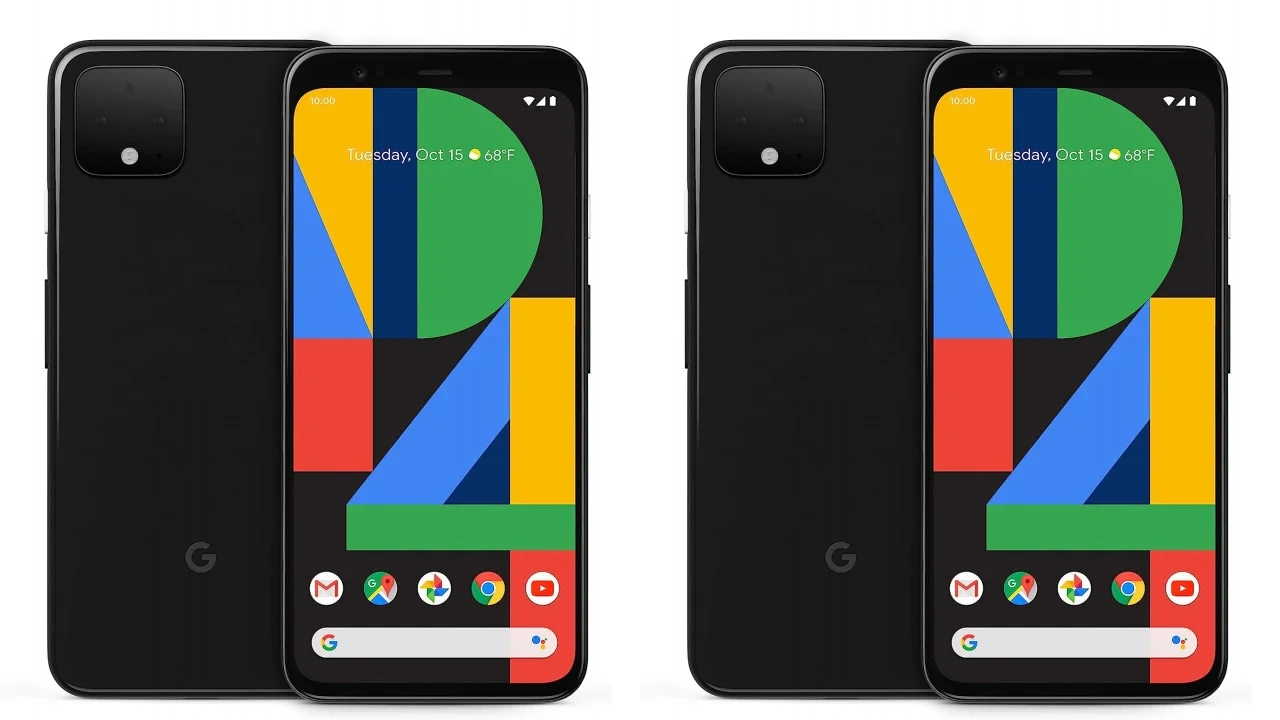
Google officially pulled the plug on software support for the Pixel 4 and Pixel 4 XL back in 2022. For many users, Android 13 was the end of the road, leaving these iconic devices behind in terms of security and modern features.
However, the tech community has delivered a massive breakthrough. The renowned custom ROM team, LineageOS, has officially released LineageOS 23 support for the Pixel 4 series, bringing the latest Android 16 experience to these 2019 flagships.
A Stable Android 16 Experience on Legacy Hardware
While unofficial builds have circulated for a while, the shift to official support in the final week of 2024 is a game-changer. This transition means the LineageOS team now considers the ROM stable enough for daily use, ensuring that core hardware functions—like the camera, sensors, and connectivity—work seamlessly.
What’s New in LineageOS 23?
Upgrading to LineageOS 23 isn’t just about the version number; it brings a suite of refreshed system apps and performance tweaks:
- Aperture Camera App: Completely rewritten for better performance, now supporting JPEG Ultra HDR and RAW + JPEG capture.
- System Refinements: Significant updates to the ‘Twelve’ music player and other core system utilities.
- Extended Longevity: Your device stays protected with the latest security patches, long after Google stopped providing them.
Important Considerations: The “Android 16” Caveat
It is worth noting that LineageOS 23 is currently based on the early Android 16 codebase rather than the latest QPR2 release. Because of this, Pixel 4 users might miss out on a few specific aesthetic features for now, such as:
- The Material 3 Expressive design language.
- The new Live Updates notification style.
The developers are expected to bridge these gaps when they transition to LineageOS 23.2 in the coming months.
How to Get Started
To give your Pixel 4 a fresh start, you will need to unlock the bootloader and flash the custom ROM. While the process can be intimidating for beginners, the Pixel series is known for being one of the most developer-friendly platforms for this type of modification.
| Resource | Action |
| Official Site | Visit LineageOS.org for the latest build |
| Requirements | Unlocked Bootloader & ADB/Fastboot knowledge |
| Compatibility | Pixel 4 (flame) and Pixel 4 XL (coral) |
Pro Tip: Always back up your data before attempting a ROM installation, as the process requires a complete factory reset of the device.