
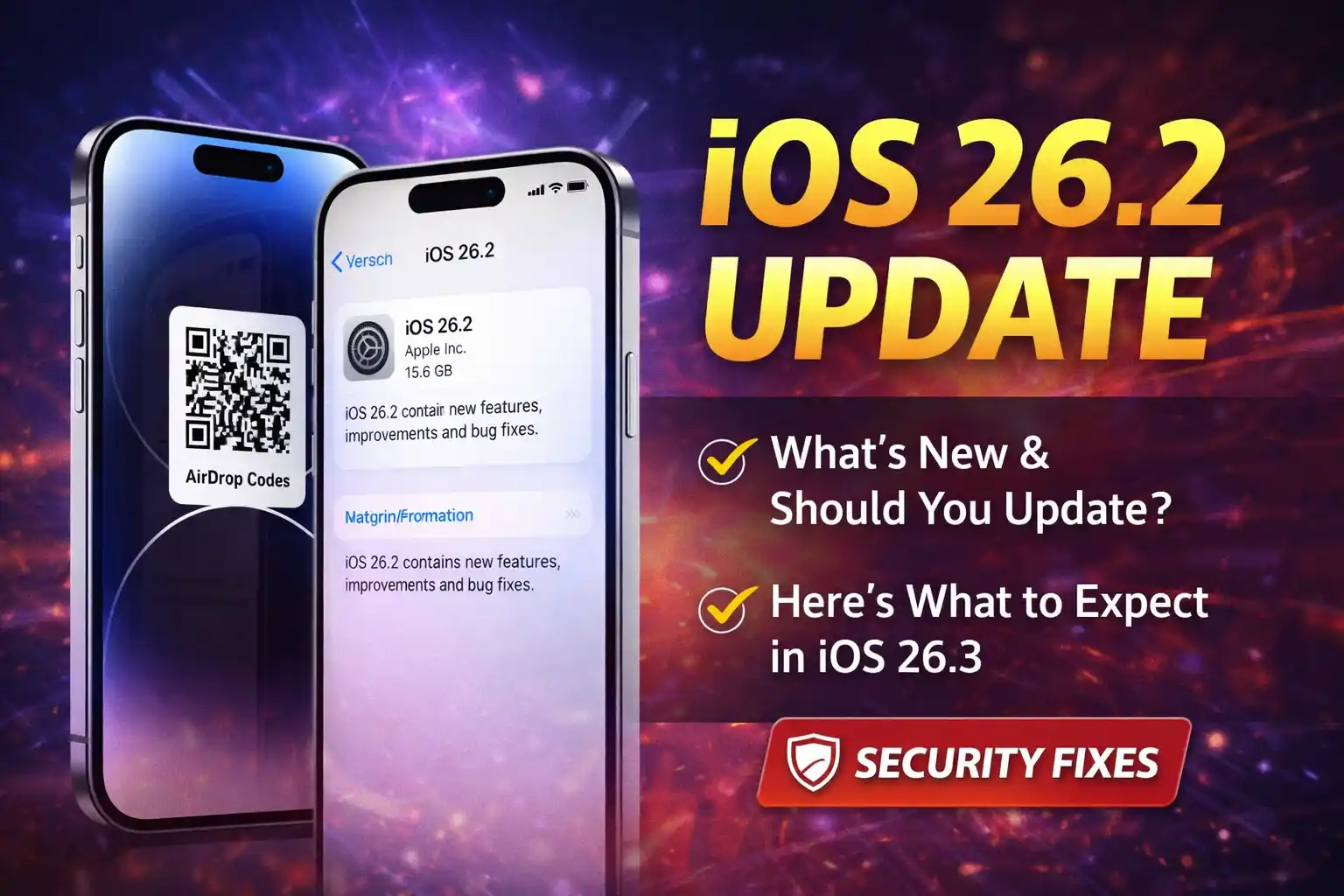
Apple’s iOS 26.2 update is now rolling out to compatible iPhones and brings a mix of new features, usability improvements, and important security patches. For many users who are still debating whether to install the update — “Should I update to iOS 26.2?” — this article breaks down what’s new, why Apple wants you to update, and what to expect next with iOS 26.3.
What’s New in iOS 26.2 – Key Features
1. Enhanced Security and Bug Fixes
One of the biggest reasons Apple released the iOS 26.2 update is to fix over 20 security vulnerabilities, including critical WebKit flaws previously being exploited in the wild. These vulnerabilities could allow malicious web content to run code or compromise memory, so upgrading improves protection.
2. iPhone AirDrop Upgrades
iOS 26.2 introduces AirDrop Codes, a new way to share with people not in your contacts by generating a temporary code for secure file transfers.
3. Apple Music and Media Improvements
Users can now view offline lyrics in Apple Music even without internet access and new playlist enhancements make navigation easier.
4. Reminders App Alarms
The Reminders app gets a useful upgrade with an alarm option — you can now make reminders play an alarm when they’re due.
5. More Control Over Alerts
There’s a new screen flash alert option in the Accessibility settings that lets your iPhone screen flash for notifications in addition to (or instead of) the LED flash.
6. Apple Podcasts and News App Enhancements
Podcast listeners get automatically generated chapters and better navigation, while the Apple News app now features more accessible categories and a dedicated “Following” tab.
7. UI Customisation and Accessibility Tweaks
iOS 26.2 expands customization with better control over the Liquid Glass lock screen clock transparency slider and other subtle interface refinements.
Should I Update to iOS 26.2?
Security Reasons
If you value security, the answer is yes — iOS 26.2 addresses multiple actively exploited vulnerabilities, making it more than just a cosmetic update. Apple and security analysts strongly recommend updating to protect your device from spyware, web-based attacks, and potential exploits.
Performance and Stability
User reports on platforms like Reddit are mixed: some users report improved performance and smoother operation after updating, while others notice battery drain or occasional glitches. These issues can often settle after background processes finish post-update or may be fixed in upcoming releases.
Feature Value
If you regularly use Apple services like Music, Podcasts, AirDrop, and Reminders, the new iOS 26.2 features are noticeable and useful. However, if you’re happy with your current setup and don’t rely on those apps heavily, you might choose to wait until the next update — though security fixes are a strong incentive to update now.
What About iOS 26.3?
Apple is already preparing the next update: iOS 26.3 is expected soon and is likely to bring further refinements and feature enhancements. Early information about the iOS 26.3 beta suggests improvements like third-party smartwatch support for European users and better NFC functionality.
While iOS 26.2 focuses majorly on quality-of-life changes and security, iOS 26.3 could introduce more user-facing features, especially for regional services and connectivity.
Conclusion – Should You Update?
In most cases, yes — you should update to iOS 26.2. The update brings:
- Critical security patches that protect your iPhone.
- Useful features like offline lyrics, AirDrop improvements, and alarm reminders.
- Enhanced control over notifications and UI customisation.
If you’re concerned about bugs or performance and prefer waiting, consider backing up your device and updating when iOS 26.3 arrives later this month. But for today’s threats and overall system health, iOS 26.2 is recommended for most users.